
Works with the orgs and tools you already use
Connect any Salesforce org, bring your repository, and send results to the channel your team already watches.
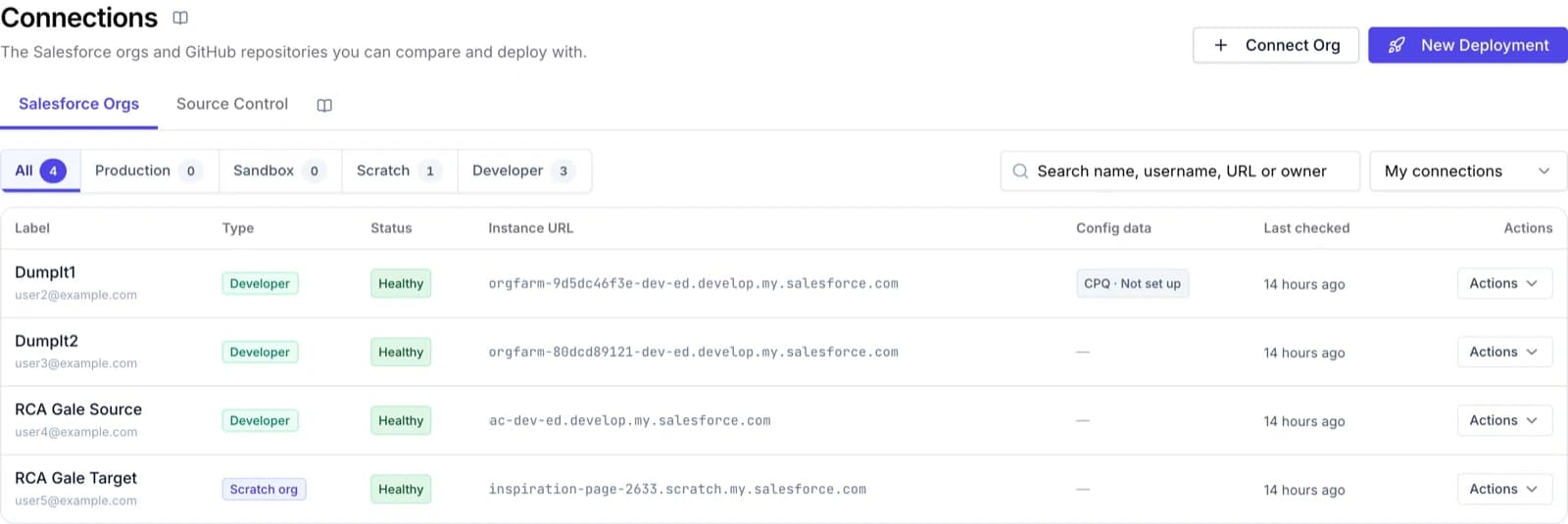
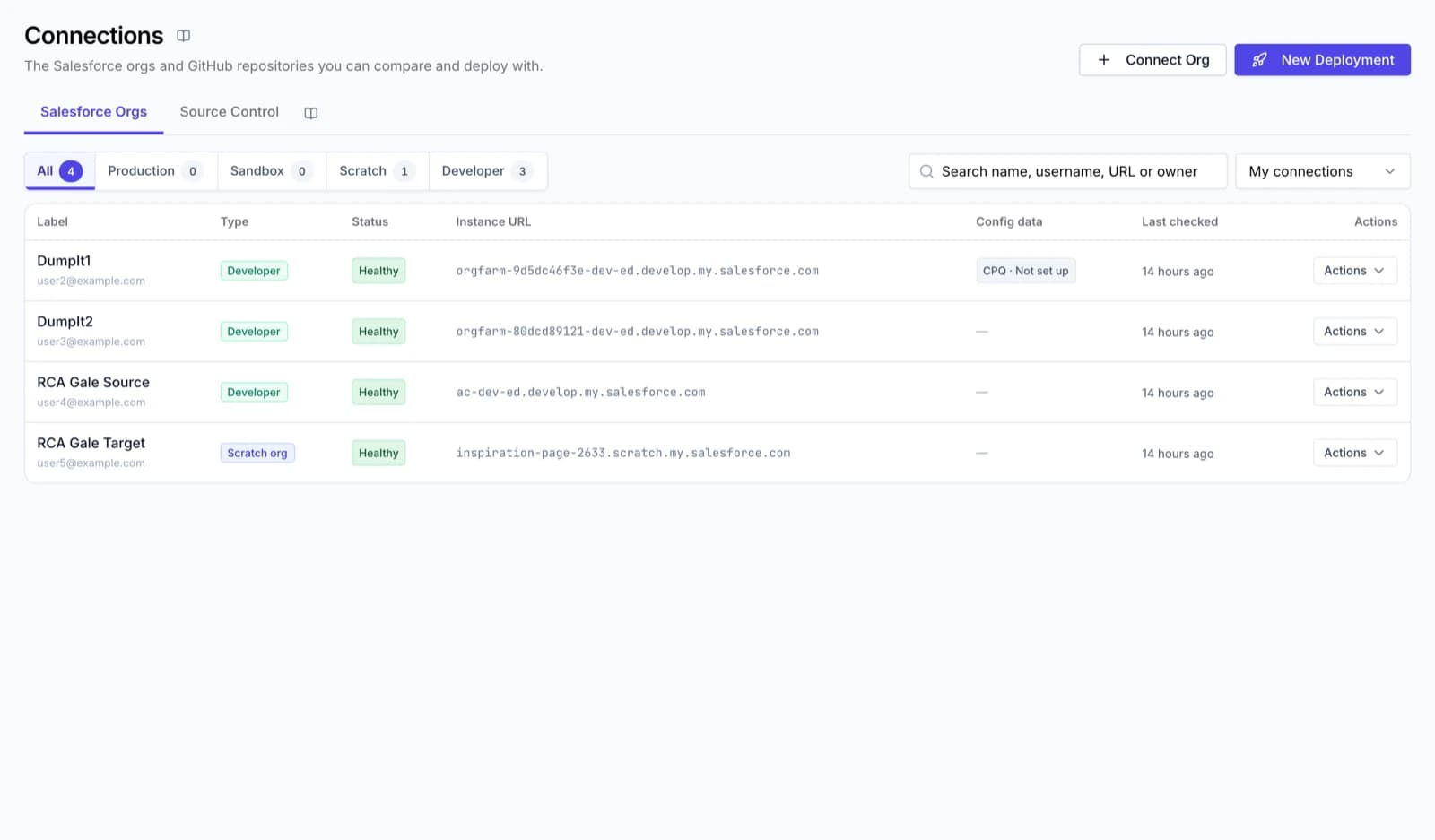
Salesforce orgs
Production, sandboxes, scratch orgs and Developer Edition. Compare any one with any other.
Salesforce production
AvailableCompare, validate and deploy, with production safeguards.
Sandboxes
AvailableDeveloper, Developer Pro, Partial and Full Copy.
Scratch orgs
AvailableConnect and compare like any other org.
Developer Edition
AvailableGreat for proofs of concept and training.
Source control
GitHub and Bitbucket, each across comparisons, commits, branches, CI jobs and release lanes. GitLab and Azure DevOps are coming soon.
GitHub
AvailableCompare, commit, branches, CI jobs and release lanes.
Bitbucket
AvailableCompare, commit, branches, CI jobs and release lanes, with your own Bitbucket account.
GitLab
Coming soonRepositories, branches and merge requests.
Azure DevOps
Coming soonAzure Repos, branches and pull requests.
Notifications
Results are emailed to the person who ran them, and posted to a Slack or Microsoft Teams channel.
Slack
AvailableDeployment and CI results in your channel.
Microsoft Teams
AvailableDeployment and CI results in your channel.
How connecting works
- 1
Install the DumpIt Connector
Install the DumpIt Connector package in the Salesforce org you want to connect.
- 2
Sign in through Salesforce
Sign in with your Salesforce account and allow the connection. It uses the standard Salesforce OAuth sign-in.
- 3
Name it and choose who can use it
Give the connection a name, then make it public to the team or private to the people you pick.
See your next release in DumpIt.
Start a free trial and connect two orgs in a few minutes, or let us walk you through it on your own metadata.